
Install TermLink
One npm package. Sign in with Google, and the machine is reachable from any browser.
You only need this on the machines you want to reach. To connect from somewhere, Open TermLink in any browser — nothing to install.
Requirements
Node.js 22 or later, and npm. Nothing else is compiled on your machine — the PTY binary ships prebuilt for macOS, Linux, and Windows (x64 and arm64) as part of the package.
Install and run
npm install -g @termlink/cli
termlink login          # Google sign-in in the browser, once per machine
cd ~/work
termlink start          # or just: termlink
The cd line is doing real work. The folder you start the host in is the boundary: a session can only open inside it, and nothing above it is reachable. Which folder underneath it a session opens in is something you pick in the web client, and --allow-root adds a second folder if you want one.
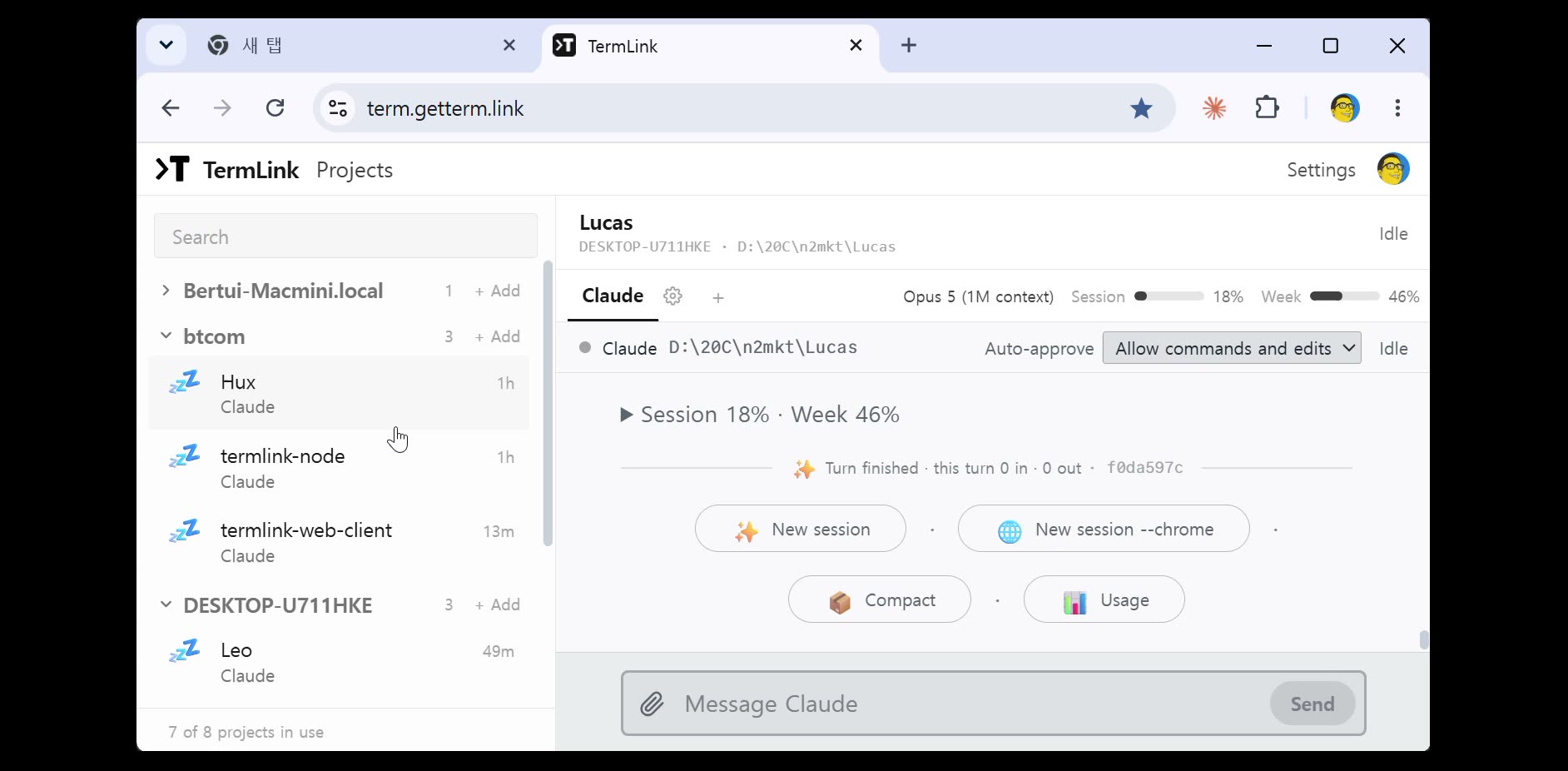
What you get
A termlink command on your PATH, no installer and no service registered on top of what npm itself installs. Uninstall it the way you would any global npm package: npm uninstall -g @termlink/cli.
termlink start runs the host in the folder you started it in — sessions (terminal, Claude, Codex) open from there and you pick which kind to start from the web app, not by typing anything else on the machine. New to it? Read Getting started with TermLink, or troubleshooting if something is already not working.
Installed TermLink before September 13, 2026? What you have is the downloaded binary we shipped until then, and termlink start does not exist in it. The npm command above installs the current one, but it does not remove the old file — check which termlink (where.exe termlink on Windows) afterwards and delete it if it still comes first.
Updating is the same command again — npm install -g @termlink/cli pulls the latest version. Looking for the source, or an older version? @termlink/cli on npm →